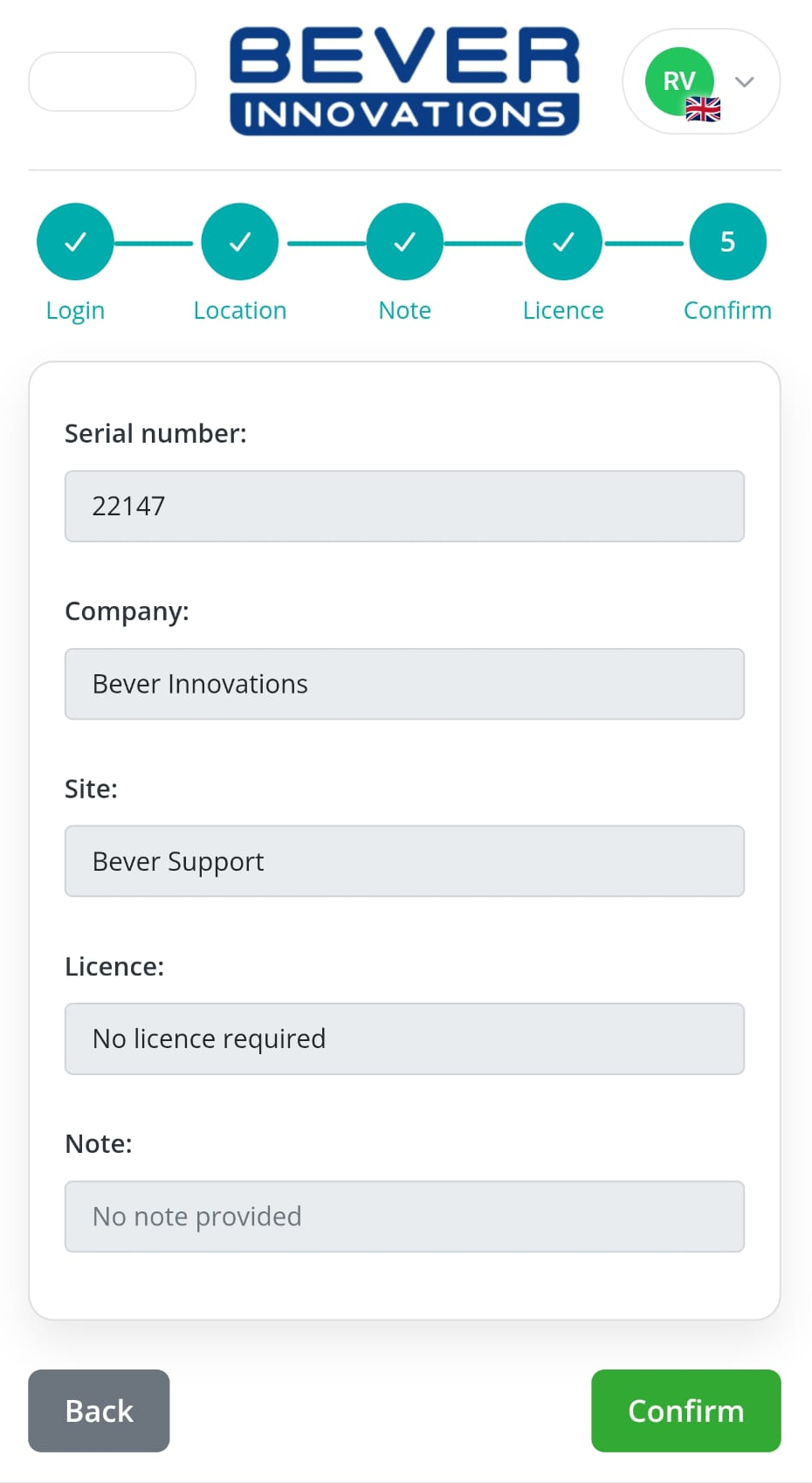
By scanning the QR code on the back of your IC-smart Touch, the device can easily be added to your company and site within the Bever Dashboard.
Once connected, the IC-smart Touch can retrieve cloud-based data, including EV prices, directly from our services.
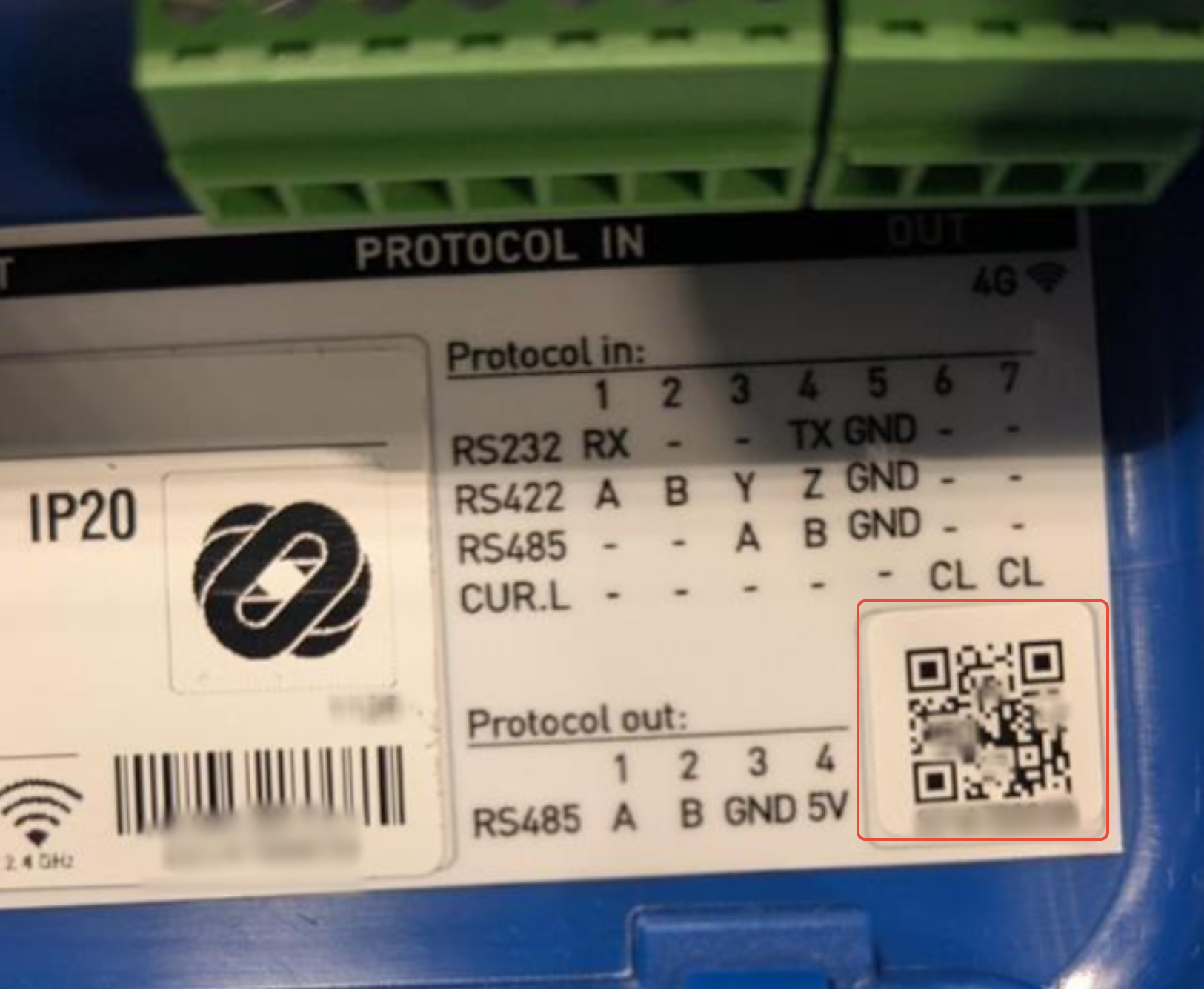
- Start by scanning the QR code on the back of your IC-smart Touch.
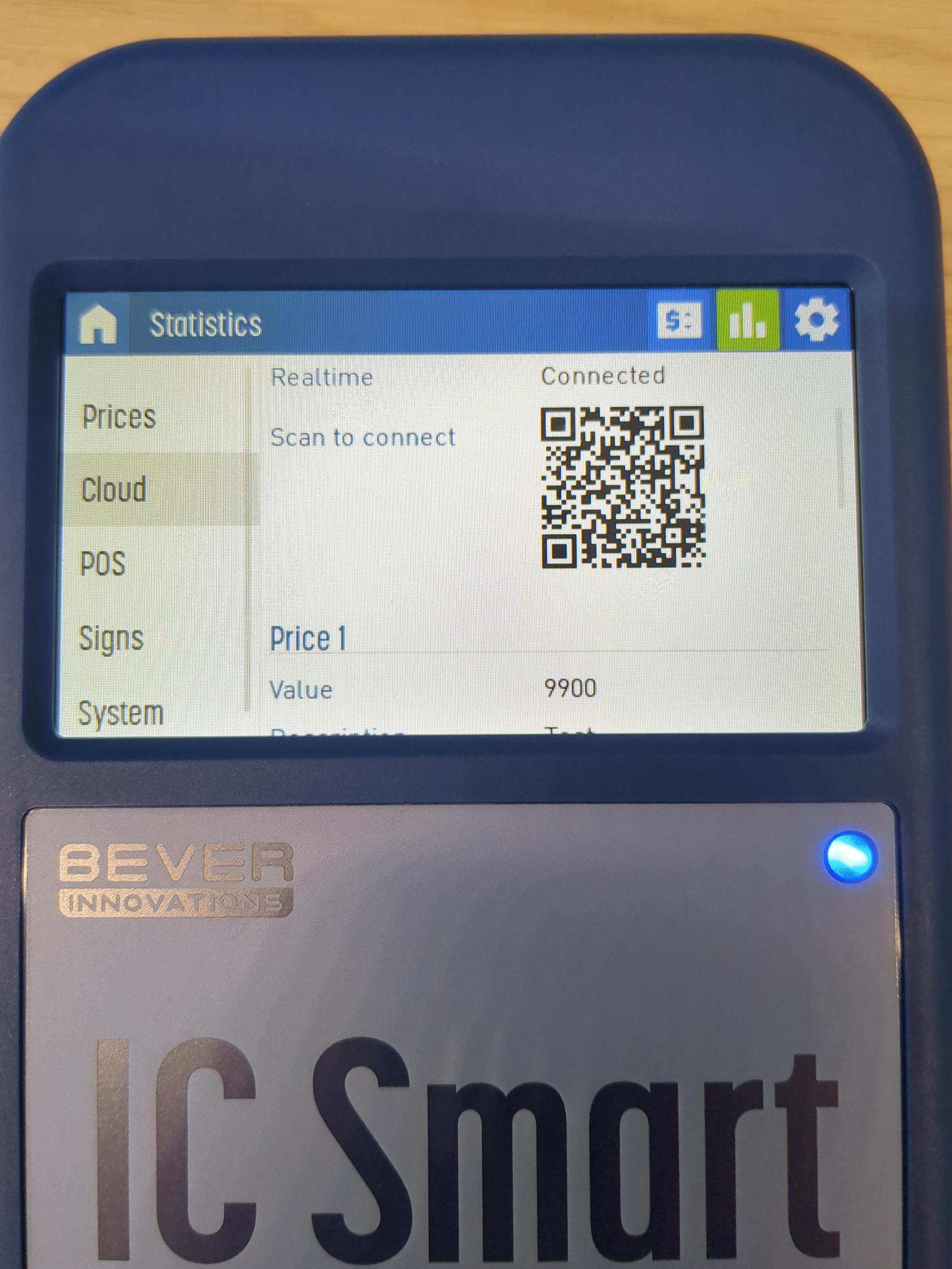
- The QR code can also be found in the menu of the IC-Smart Touch, Under 'Cloud' -> 'Scan to connect'
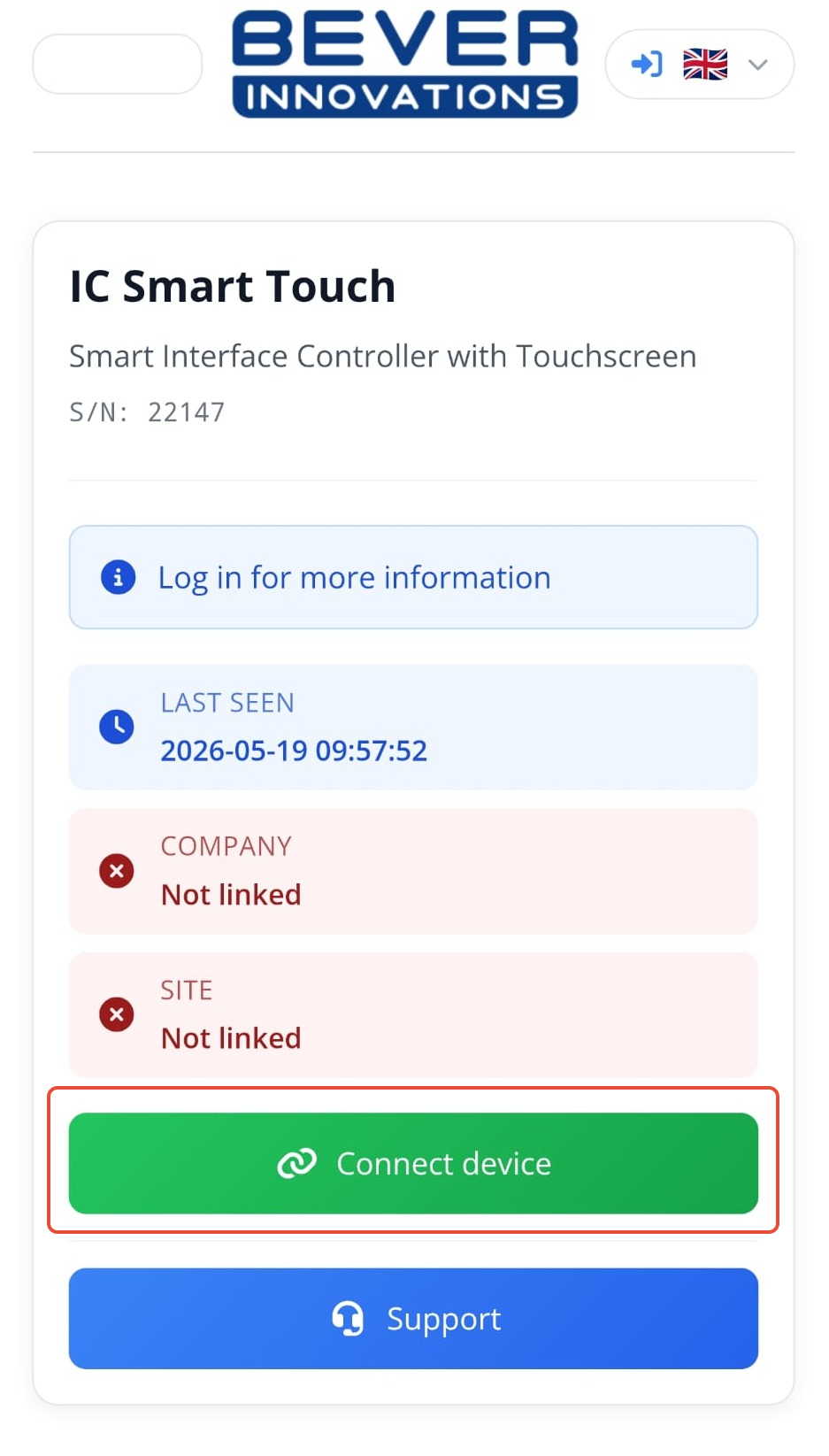
- If the company and site are not yet linked, click on “Connect Device” to link the device.
- If you do not have a Bever Dashboard account, you can send all the required details to your work planner by clicking the send email option. This has to be a known email address in the company account.
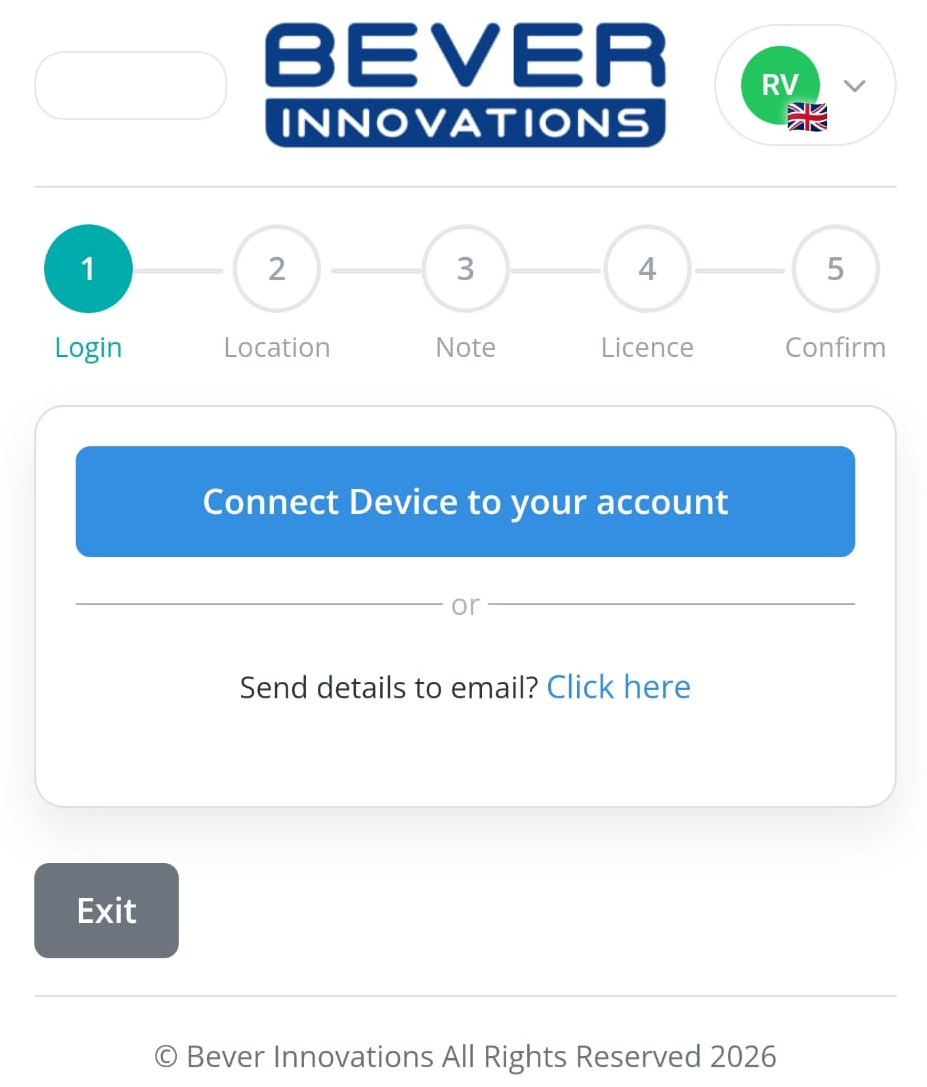
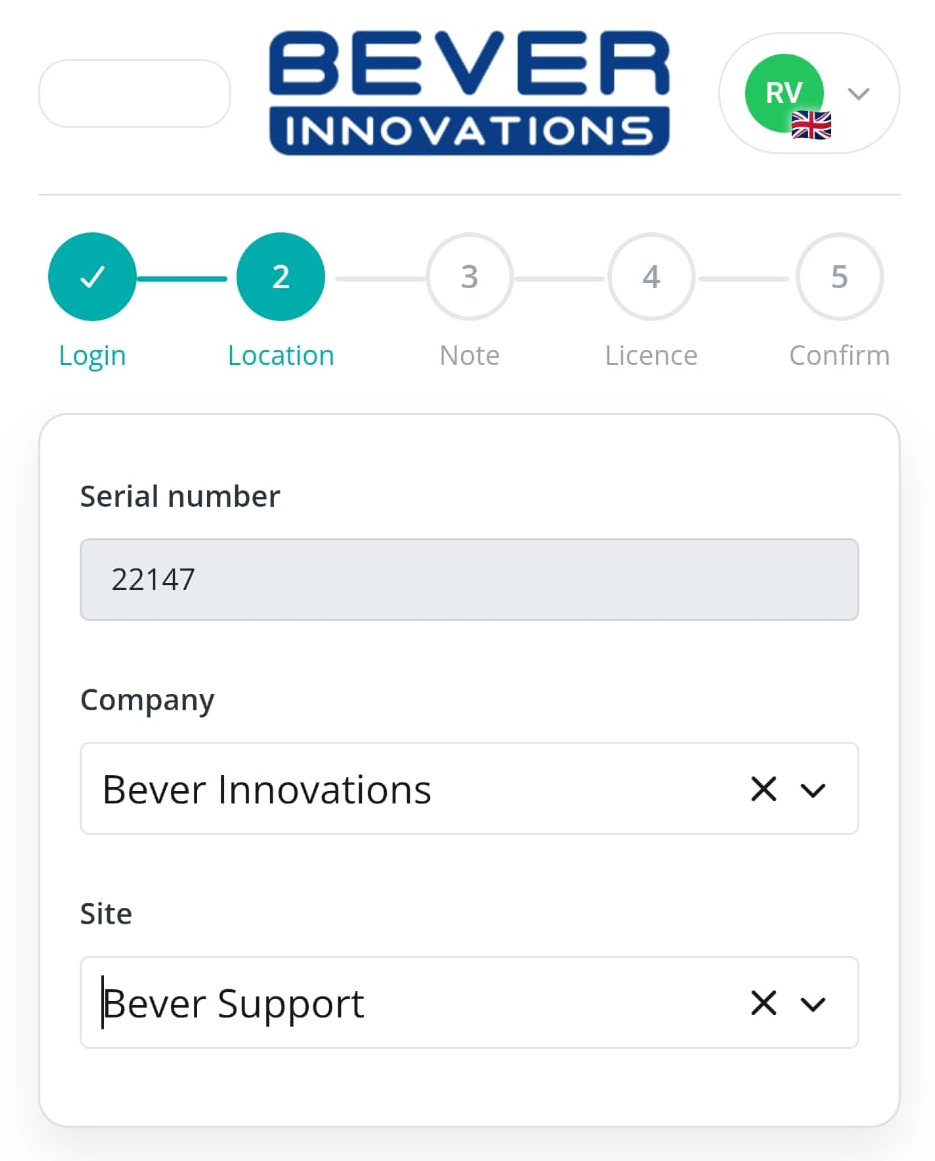
- Enter your company and site details.
- On the next screen, you can choose whether to connect the device to our Live Data Services and API for cloud data and EV pricing. If your IC-smart Touch is equipped with a SIM card, the correct license will be chosen automatically.
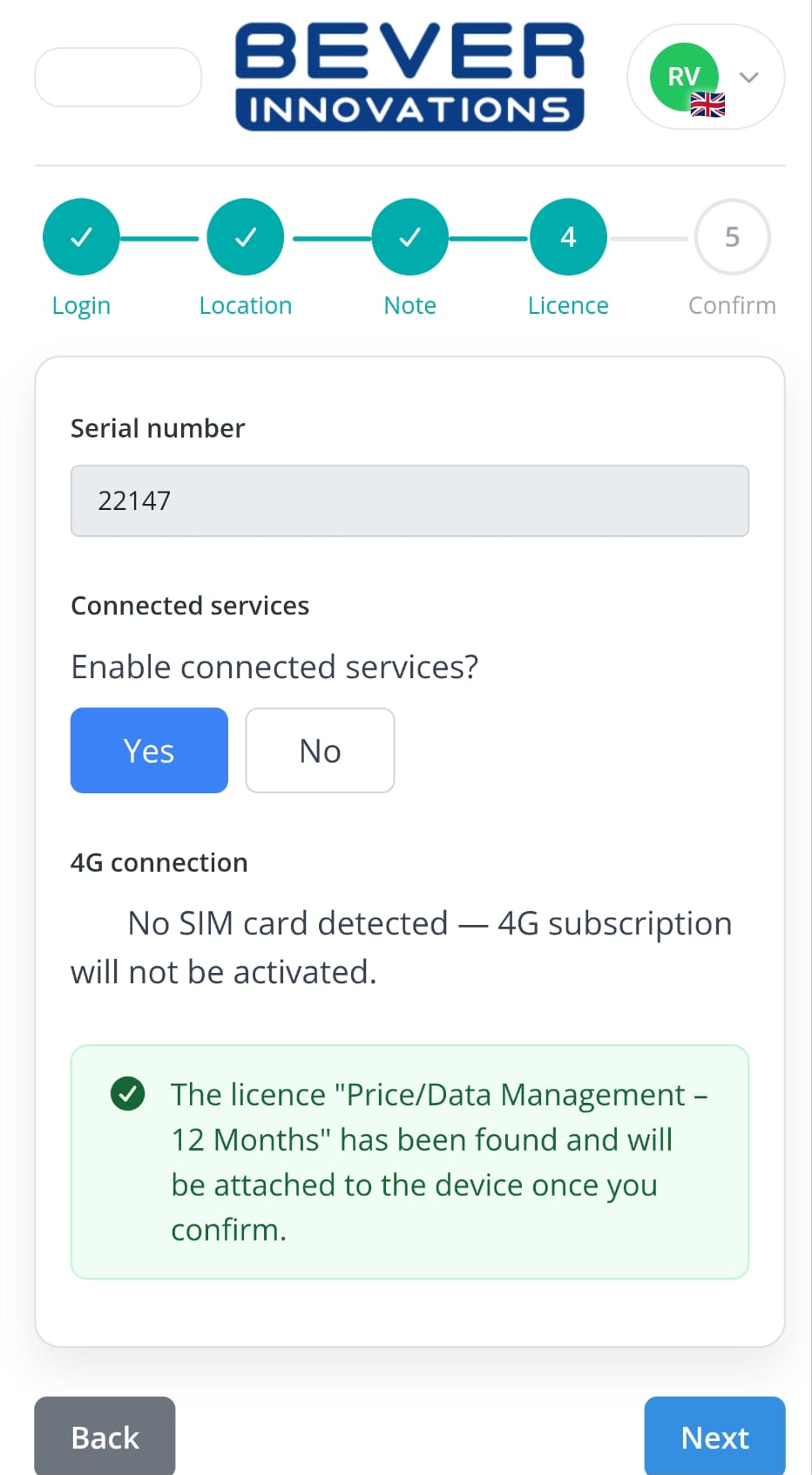
- Review and confirm all details, then add the device to your company in the Bever Dashboard.